

Filter
-
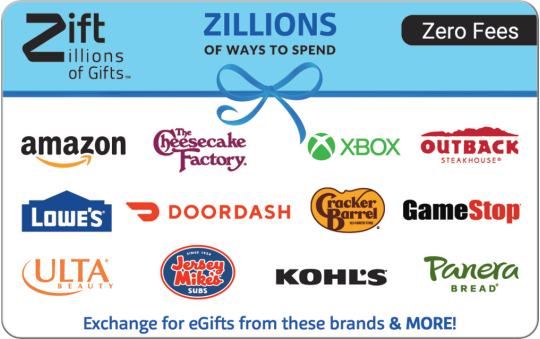
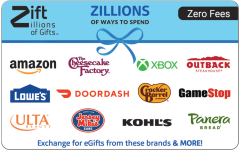 Zero FeesZillions Gift Card$20 - $500
 -
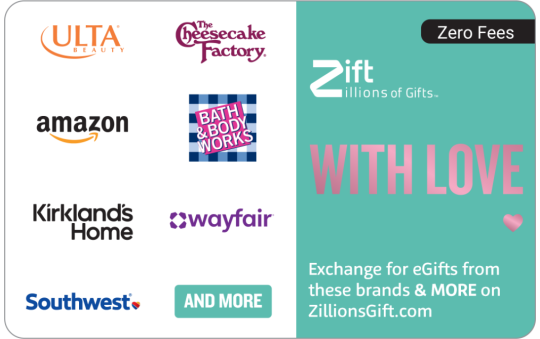
 Zero FeesWith Love Gift Card - Zift$20 - $500
 -
 Zero FeesA Treat for You - Zift Gift Card$20 - $500
 -
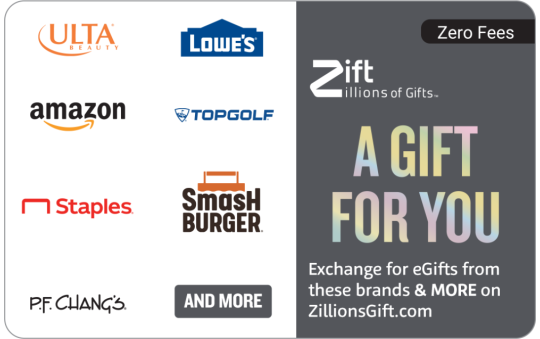
 Zero FeesA Gift For You - Zift Gift Card$20 - $500
 -
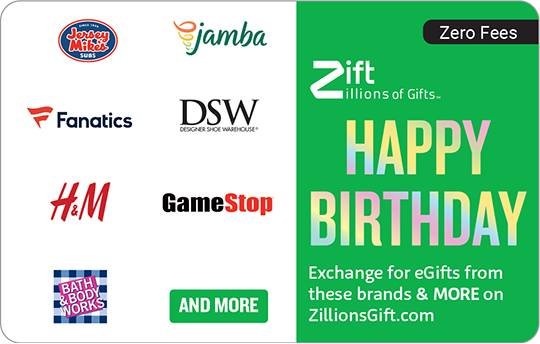
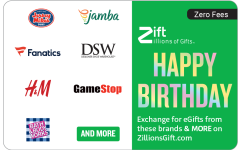 Zero FeesHappy Birthday - Zift Gift Card$20 - $500
 -
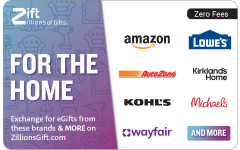 Zero FeesFor The Home Gift Card - Zift$20 - $500
 -
 Zero FeesShop Til You Drop Gift Card - Zift$20 - $500
 -
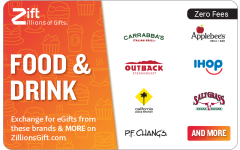 Zero FeesFood & Drink Gift Card - Zift$20 - $500
 -
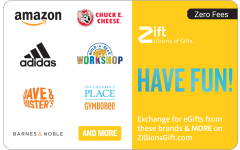 Zero FeesHave Fun Gift Card - Zift$20 - $500
 -
 Zero FeesCongrats to You - Zift Gift Card$20 - $500
 -
 Zero FeesHappy Healthy Family - Zift Gift Card$20 - $500
 -
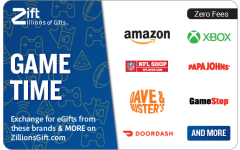 Zero FeesGame Time Gift Card - Zift$20 - $500
 -
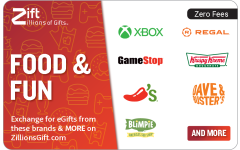 Zero FeesFood & Fun Gift Card - Zift$20 - $500
 -
 Zero FeesIt's a Date Gift Card - Zift$20 - $500
 -
 Zero FeesScript Rose Gold - Zift Gift Card$20 - $500
 -
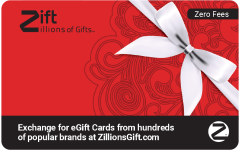 Zero FeesRed Swirls - Zift Gift Card$20 - $500
 -
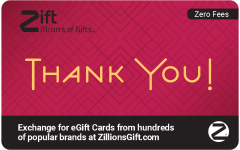 Zero FeesRed Diamonds - Zift Gift Card$20 - $500
 -
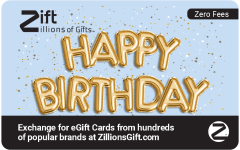 Zero FeesPuffy Balloons - Zift Gift Card$20 - $500
 -
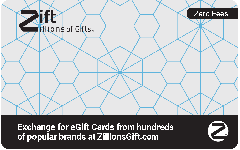 Zero FeesHexagon Pattern - Gift Card$20 - $500
 -
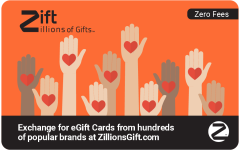 Zero FeesHeart In Hand - Zift Gift Card$20 - $500
 -
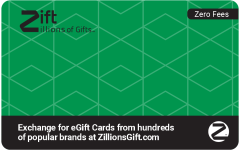 Zero FeesGreen Diamonds - Zift Gift Card$20 - $500
 -
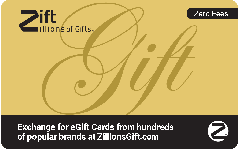 Zero FeesGold Script - Zift Gift Card$20 - $500
 -
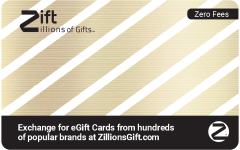 Zero FeesGold Diagonal - Zift Gift Card$20 - $500
 -
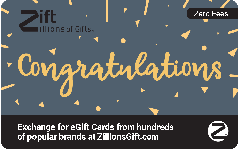 Zero FeesFancy Congrats - Zift Gift Card$20 - $500
About Multi-Store Gift Cards
Zift Gift Cards with multiple stores make an excellent choice when you want to give recipients their pick. These flexible gifts offer more choices with zero fees. And recipients can redeem online for eGifts in just a few easy steps, making these gift cards a no-brainer for gifting.
From the Zillions Gift Card featuring 190+ brands to uniquely themed multi-store gift cards for individual interests, Zift Gift Cards are an exciting way to celebrate any occasion. This makes them ideal for birthdays, weddings, anniversaries, and other holidays with multi-store gift cards featuring favorite brands. Plus, there are multi-restaurant gift cards and entertainment-focused options to help recipients make the most of these cards. When you give Zift Gift Cards, you give them zillions of ways to spend their gift.
Multi-Brands Gift Cards FAQs
How do I check the balance on my Zift Gift Card?
Visit ZillionsGift.com and log in with your card credentials; your balance will appear on the top right of your screen.
How can I redeem my Zift Gift Card?
Head to ZillionsGift.com to redeem your gift card for eGifts.
For physical cards, sign in to ZillionsGift.com by entering the card number, expiration, and CVV.
For digital cards, click the View Now button in the eGift card email.
For more information, check out the how to use page.
What is a Zift Zillions of Gifts Gift Card?
Zift multi-brand gift cards offer more choices with zero fees—from multi-restaurant gift cards to multi-store gift cards. They must be redeemed for eGifts to the brands shown when you login to ZillionsGift.com.
Where can I find my card number on Zift multi-brand gift cards?
For physical cards, your 16-digit card number and other important details are located on the back of the card.
For digital cards, sign in by clicking the View Now button in the eGift card email.
What is an eGift and how are they delivered?
An eGift is a digital gift card that can be used online or in-store at the brand selected. After you select your eGifts and checkout at ZillionsGift.com, your eGifts will be sent to the provided email during checkout, usually within 5 minutes but may take up to 24 hours.
Why are the eGift options on ZillionsGift.com different from the brands shown on my card?
We update our brand assortment regularly to provide the best options for our customers. You may find that we have added or removed a brand from the eGift options on ZillionsGift.com. Brand options and amounts may vary and are subject to change.
Where can I find additional help?
You can visit Zift Zillions of Gifts full FAQs to find answers to commonly asked questions or call 1-833-414-9427.