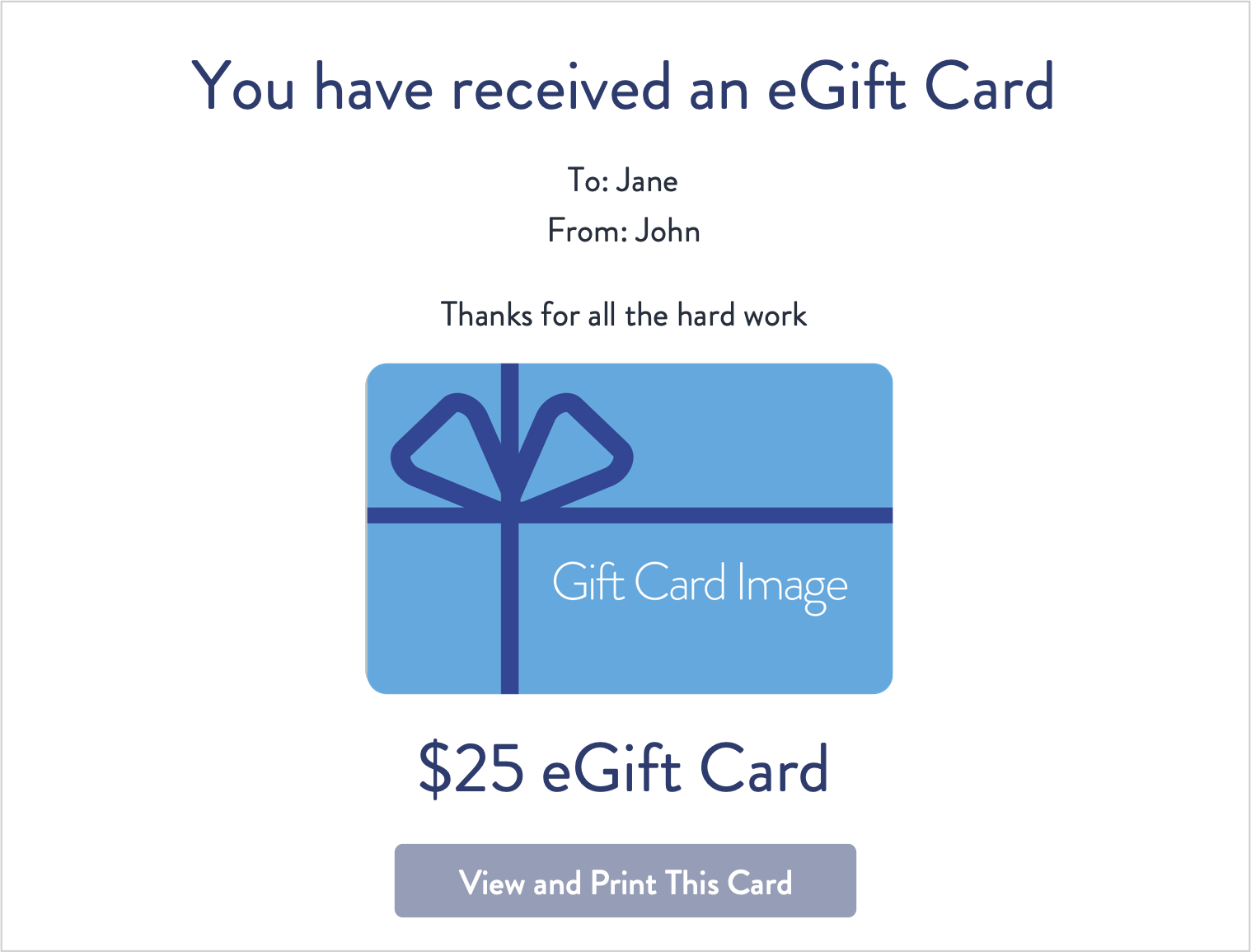
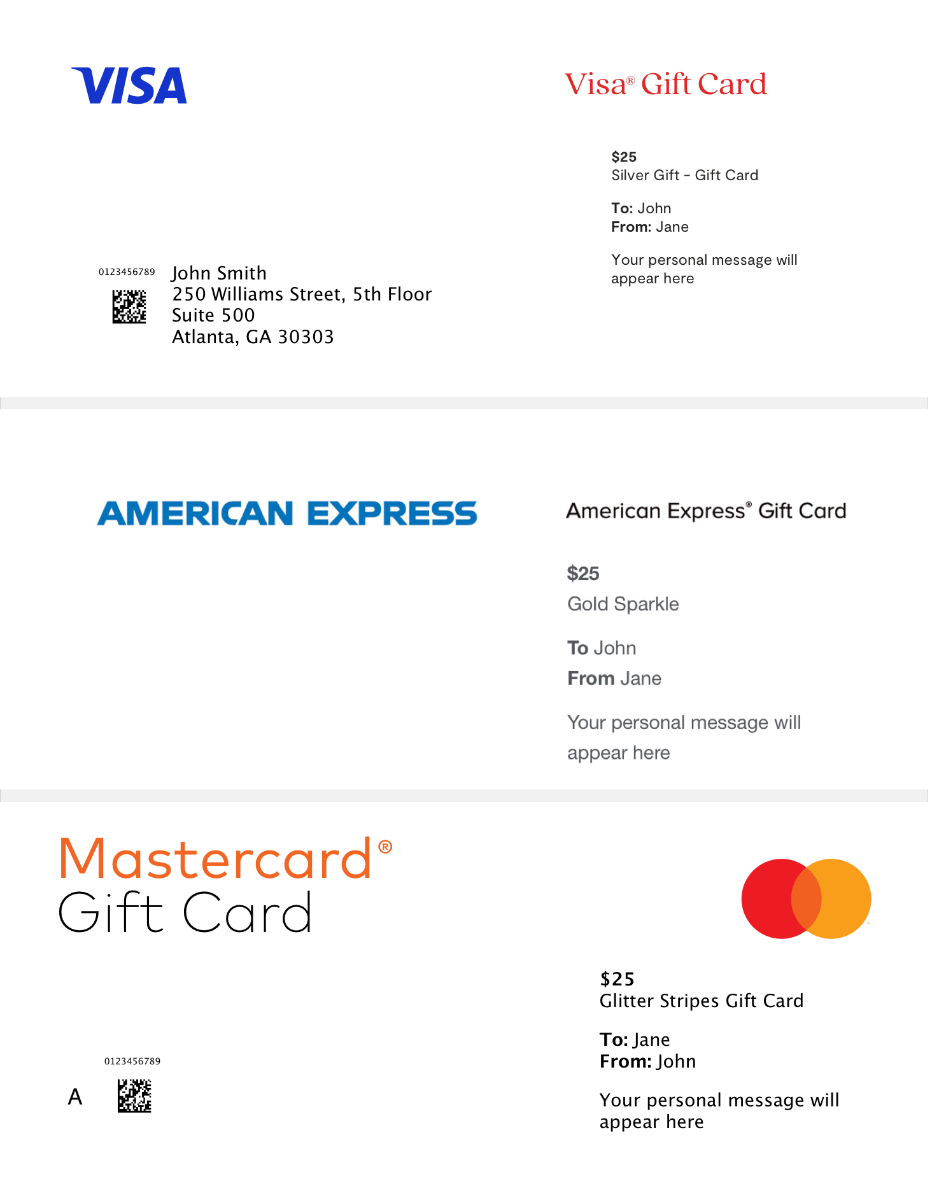
Mastercard® Stand Up To Cancer® eGift Card
With every purchase of this Stand up to Cancer and Mastercard partnership eGift card, 3% of the face value is donated to support Stand Up To Cancer's efforts in raising awareness and funding cancer research.
With every purchase of the Stand Up To Cancer and Mastercard partnership eGift card, 3% of the face value is donated to support Stand Up To Cancer's efforts in raising awareness and funding cancer research. Shop now and show your support!Mastercard® Gift Cards bring people together and help make occasions special. Celebrate a friend’s birthday, a loved one’s wedding or a holiday with a gift that delights. Show your appreciation to clients, employees and business partners with a gift of choice. Say thank you, congratulations and so much more! Purchase gift cards in denominations ranging from $25 to $500.
To shop for additional Mastercard Gift Card designs, visit MastercardGiftCard.com.
- Use in the United States wherever Mastercard debit cards are accepted
- No-fee gift cards (after purchase)
How to Use Your Gift Card In-Store
- At checkout in-store, swipe your Card, select ‘Credit’ on the keypad or enter a 4-digit number as your PIN.
How to Use Your Gift Card to Shop Online
- Make sure the balance of the Mastercard Gift Card is more than the entire cost of the purchase, including taxes.
- Please note: some transaction types require a hold of up to 20% above the purchase amount. See your Cardholder Agreement for more information.
- Select ‘Credit’ or ‘Debit’ as the Payment Method (Do not select ‘Gift Card’).
- In the Payment Method section, enter the card information as you would a credit or debit card.
- In the Billing Address section, please fill in your name and address.
How to Use Your Gift Card In-Store
- At checkout in-store, swipe your Card, select ‘Credit’ on the keypad or enter a 4-digit number as your PIN.
How to Use Your Gift Card to Shop Online
- Make sure the balance of the Mastercard Gift Card is more than the entire cost of the purchase, including taxes.
- Please note: some transaction types require a hold of up to 20% above the purchase amount. See your Cardholder Agreement for more information.
- Select ‘Credit’ or ‘Debit’ as the Payment Method (Do not select ‘Gift Card’).
- In the Payment Method section, enter the card information as you would a credit or debit card.
- In the Billing Address section, please fill in your name and address.