Are physical Gift Cards for sale at TheGiftCardShop.com?
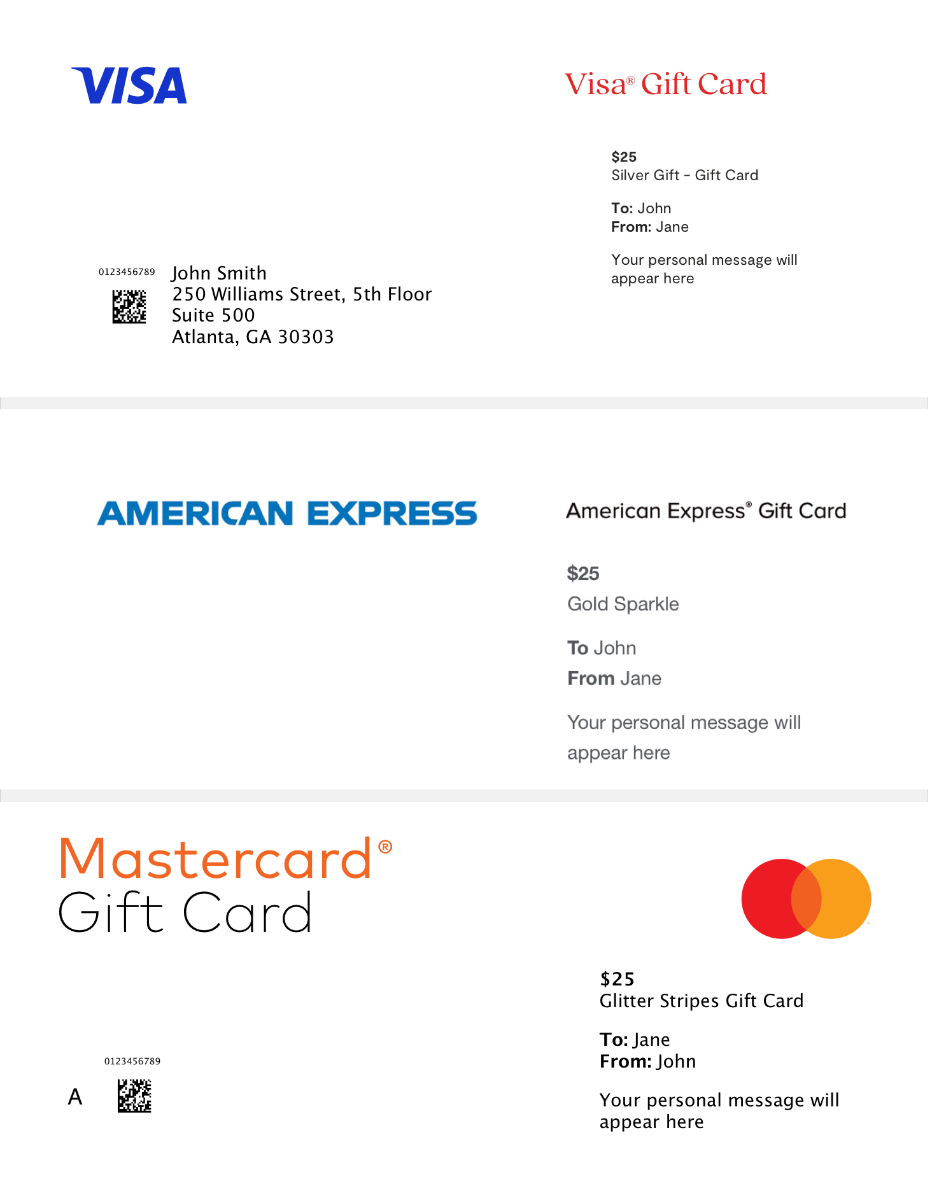
Yes, The Gift Card Shop sells traditional plastic Gift Cards. Choose a Gift Card and select ‘Mail’ as the delivery type, then follow steps to purchase. Please see Cardholder Agreement for details.
Does The Gift Card Shop sell digital Gift Cards?
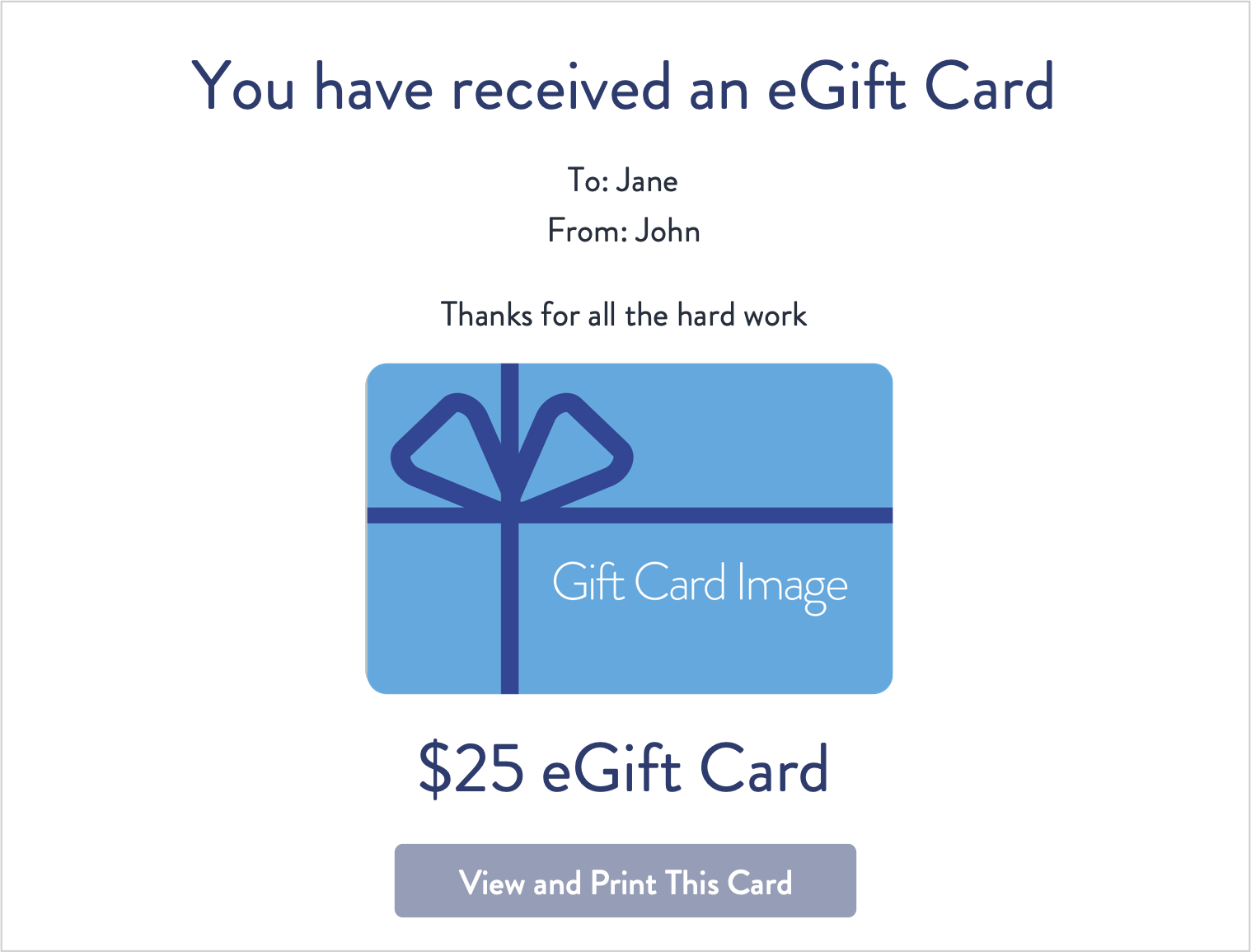
Yes, you can shop Gift Cards online at TheGiftCardShop.com for email delivery. Please select ‘email’ as a delivery type on your choice of card and follow steps to purchase.
How do I shop in-store with Gift Cards?
1. Note your balance before you shop. To use your Gift Card along with another form of payment, make sure the cashier knows how much you want to apply to each payment type. Check first because not all merchants allow split payment transactions, and some transaction types require a hold of up to 20% above the purchase amount. See your Cardholder Agreement for more information.
2. Swipe your Card and select Credit on the keypad.
If Add to Wallet is an option on your card, you can add Visa, American Express and Mastercard physical Gift Cards and eGift Cards purchased from The Gift Card Shop to a digital wallet for in-store use. Follow these steps to add it:
1. Open the Wallet/App on your device.
2. Follow the on-screen instructions, including entering your card number manually or taking a picture of your plastic card.
Simply present brand Gift Cards for use at the time of purchase.
How do I use my Gift Card to shop online?
1. Check that your Gift Card balance is more than the entire cost of the purchase, including taxes.
Please note: Some transaction types require a hold of up to 20% above the purchase amount. See your Cardholder Agreement for more information.
2. Select ‘Credit’ or ‘Debit’ as the payment method (Do not select ‘Gift Card’).
3. In the Payment Method section, enter the card information as you would a credit or debit card.
4. In the Billing Address section, please fill in your name and address.
Do I need to activate my Gift Card?
In most cases, branded Gift Cards purchased from TheGiftCardShop.com are ready to be used immediately.
You must activate Visa Gift Cards at
balance.thegiftcardshop.com or by calling the toll-free number listed on the back of your Card (1-833-847-2032). You will need to provide your Card number, valid thru date and the security code located on the back of your Card.
You must activate Mastercard Gift Cards at
balance.MastercardGiftCard.com or by calling the toll-free number listed on the back of your Card (1-833-623-4266). You will need to provide your card number, valid thru date and the security code located on the back of your Card.
You must activate American Express Gift Cards at
balance.AMEXGiftCard.com or by calling the toll-free number listed on the back of your Card (1-888-846-4308). You will need to provide your card number, valid thru date and the security code located on the front of your Card.
Each time you get a Gift Card, we recommend that you record the following information in case it is ever lost or stolen: Gift Card number, Security Code, and Customer Service phone number.